
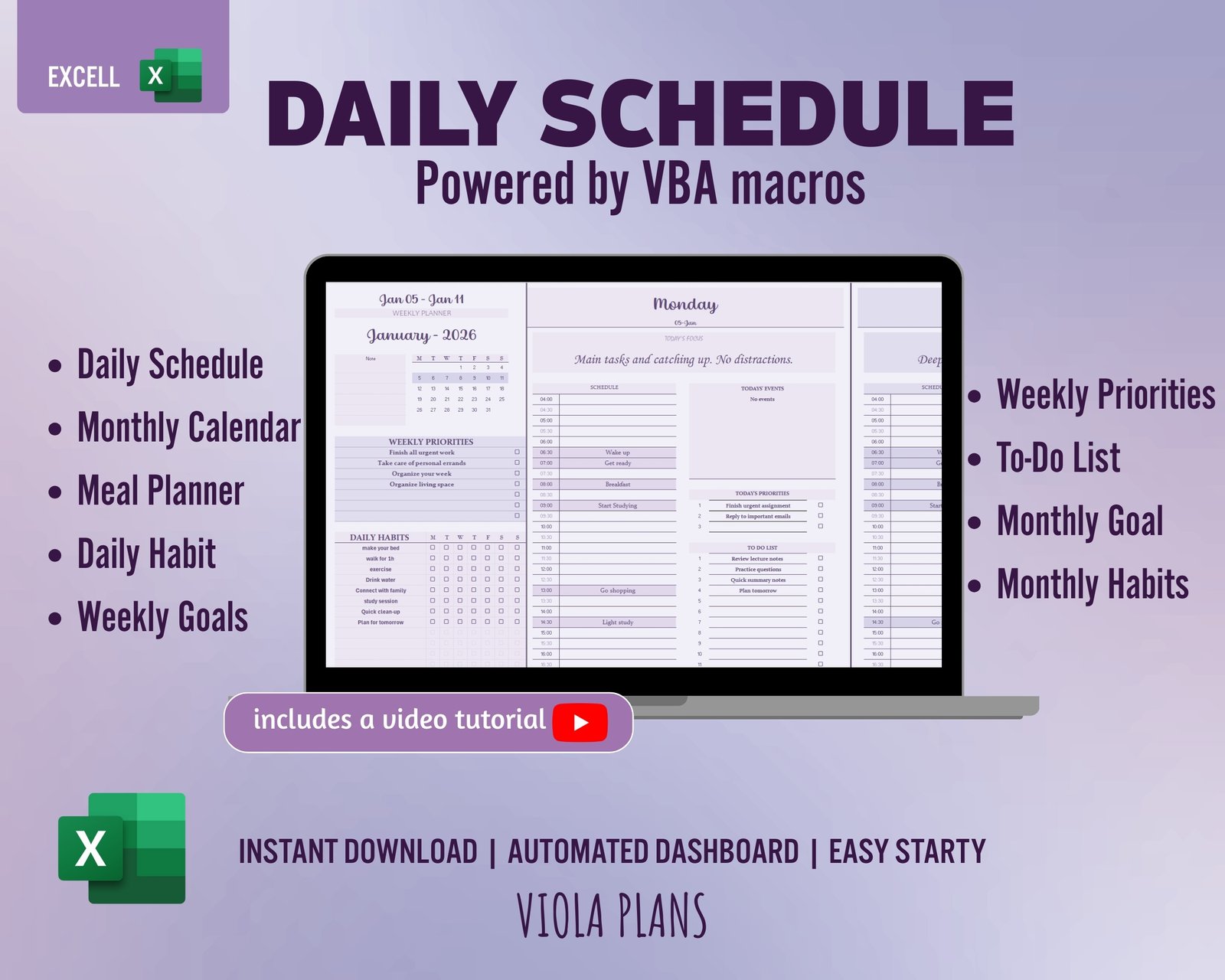
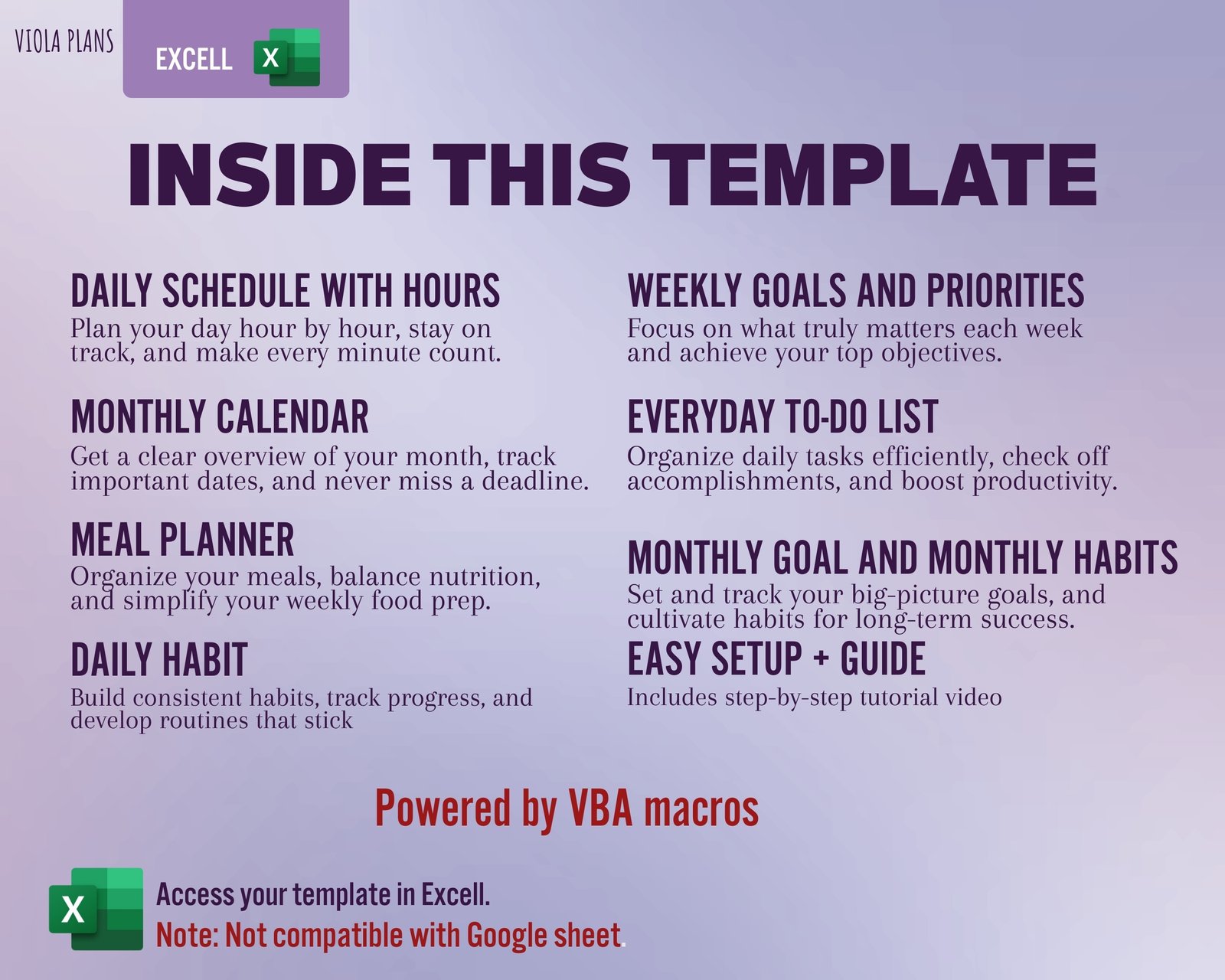
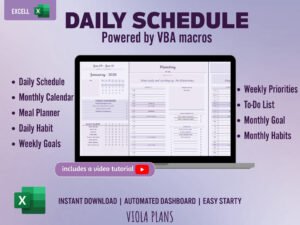
Get organized effortlessly with the Ultimate Excel Macro Planner! This is not a static template—it’s a fully automated, interactive spreadsheet designed to manage your entire life, from daily tasks and schedules to meal planning and tracking long-term goals.
⚙️ Key Automation Features (Powered by VBA Macros)
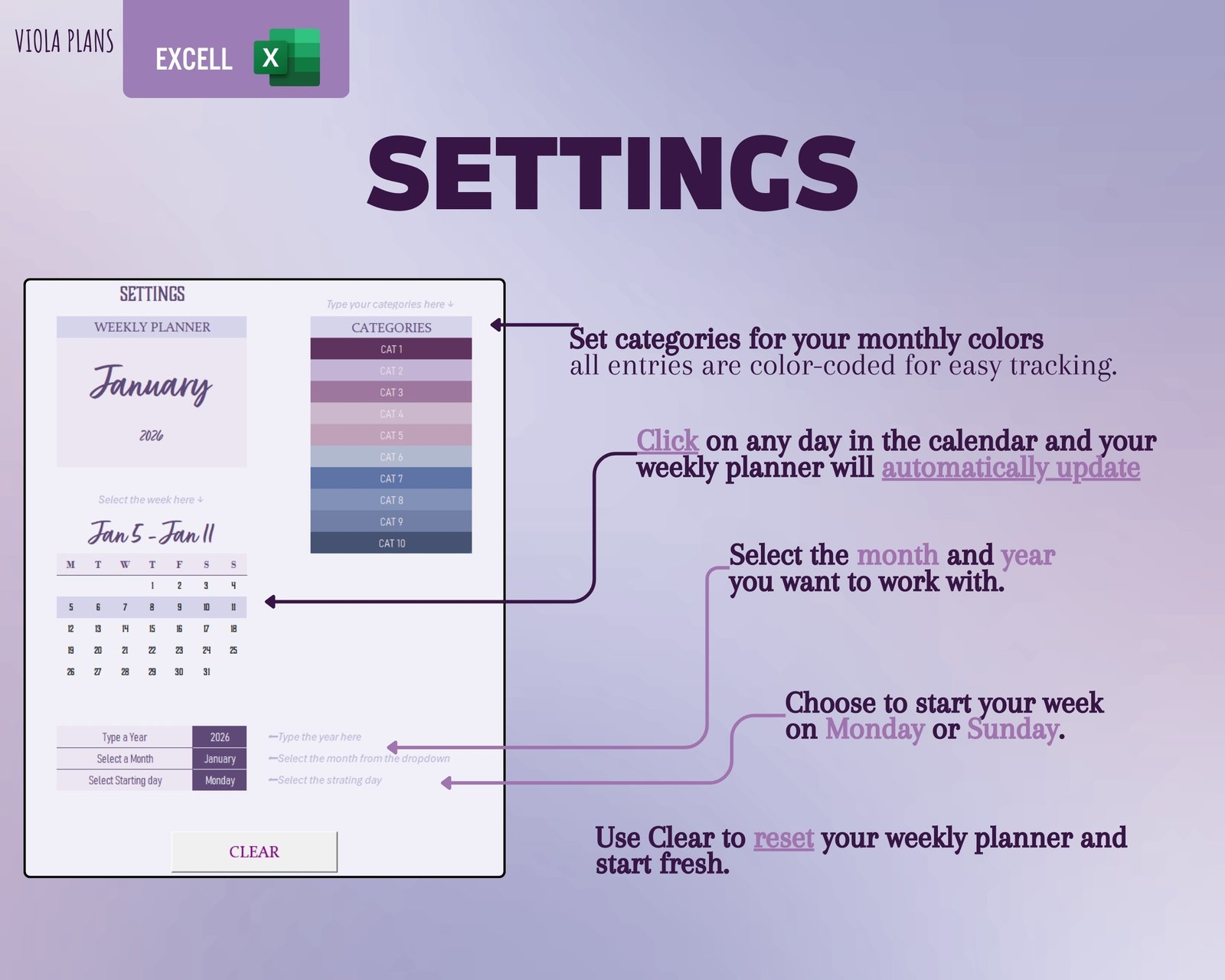
>Interactive Calendar: Simply click any day on the monthly calendar, and the weekly planner instantly updates to that specific week. No manual linking or input needed!
>One-Click Weekly Reset: The “Clear” button instantly wipes the weekly planner clean (daily schedules, priorities, to-do lists), leaving your long-term monthly events untouched. Start every week fresh in seconds!
>Dynamic Date Selection: Easily change the starting day (Monday/Sunday), month, and year from the Settings tab, and the entire calendar and planner instantly adjust.
📅 Comprehensive Planner Sections
1. Monthly Organizer
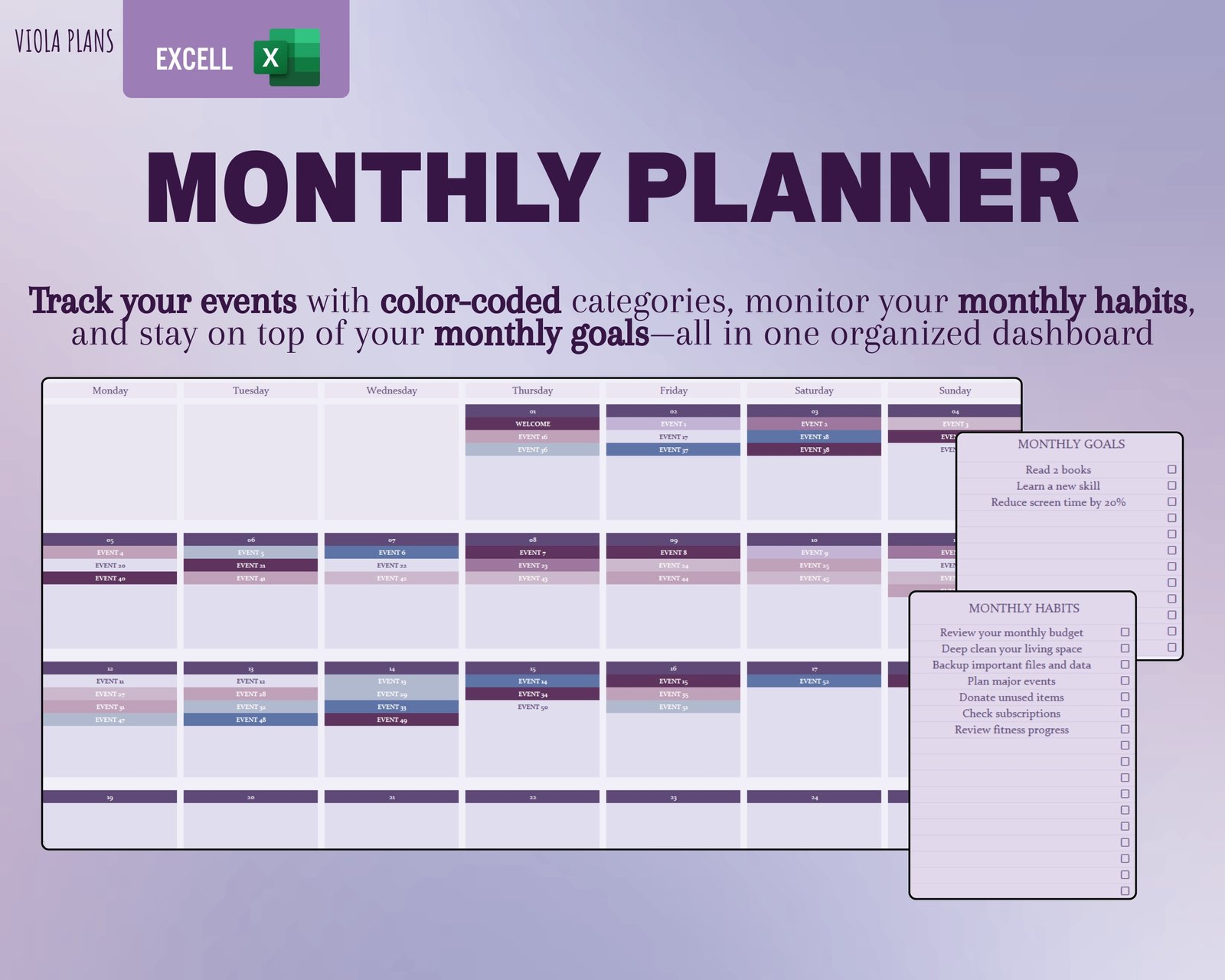
>Monthly Goal & Habits: Dedicated sections to define and track your long-term focus.
>Event Table: Input your events (Date, Event, Category), and they automatically populate the monthly calendar.
>Color Coding: Define your event categories (e.g., Work, Family) and choose a color that appear in both the calendar and the event table for instant visual sorting.
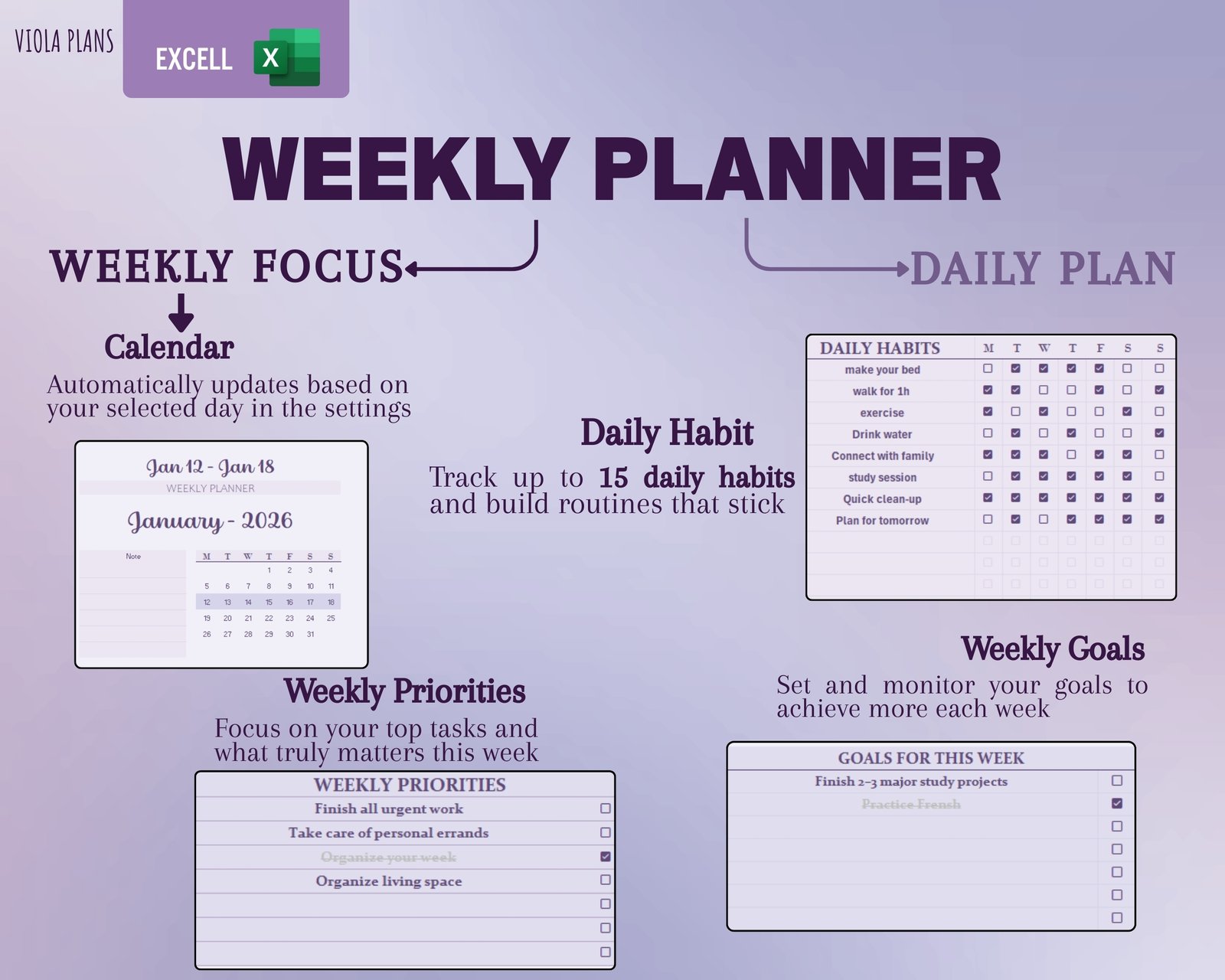
2. Weekly Planner & Daily Focus
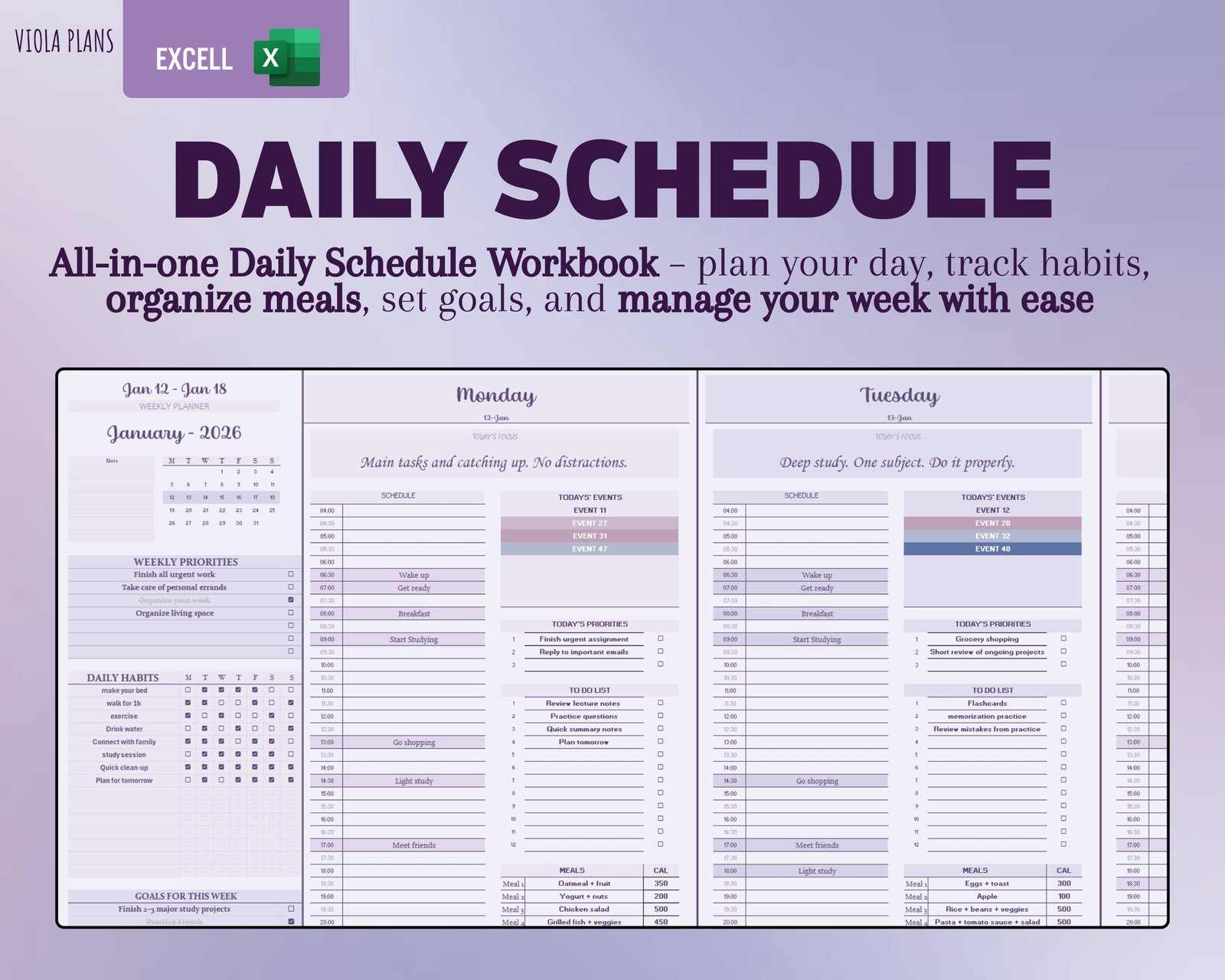
>Weekly Priorities & Goals: Keep sight of your most important weekly tasks.
>Daily Habits Tracker: Maintain your routine with a dedicated check-off system for daily habits.
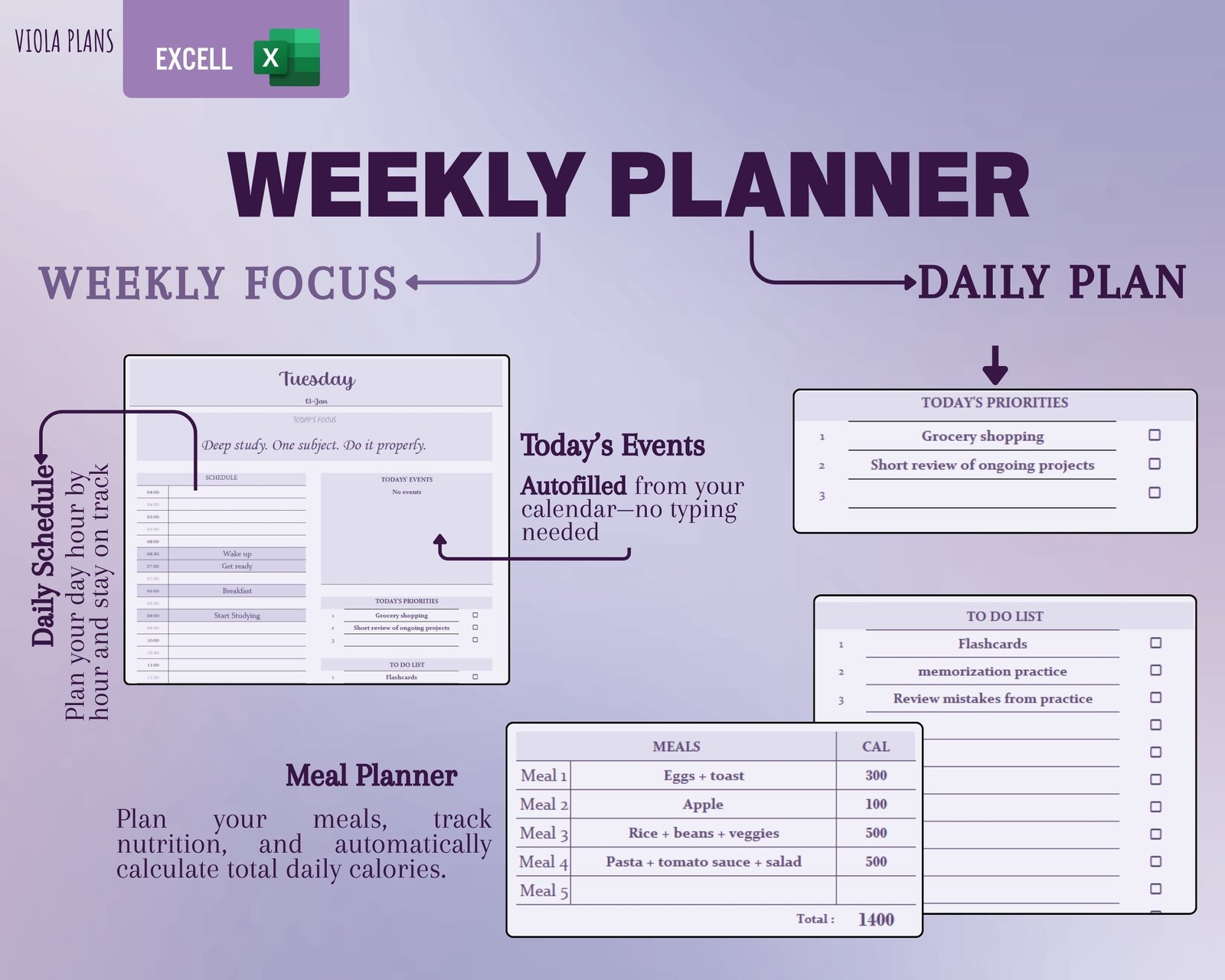
>Today’s Focus: A specific area for the most crucial task of the day.
>Daily Schedule: Hour-by-hour schedule to track your time and appointments.
>Automated Events: The “Today’s Events” section automatically pulls events from your Monthly Event Table for the selected week/day.
3. Health & Wellness (Meal Planner)
>Daily Meal Tracking: Plan your breakfast, lunch, and dinner.
>Automated Calorie Calculation: Input the calorie count for your meals, and the planner automatically calculates your total daily calories for quick tracking.
>Gratitude Journal: A section for daily reflection (“What I’m grateful about that day”).
📌 IMPORTANT: Compatibility & File Details
Platform: Microsoft Excel (desktop app is required for full functionality).
File Type: .XLSM (Macro-Enabled Workbook). You must use this file type and ensure Macros are enabled in your Excel settings for the interactive buttons and automation features to work properly.
Compatibility: Works best on PC and Mac desktop versions of Excel (may not support full functionality on mobile or web versions).
Reviews
There are no reviews yet.